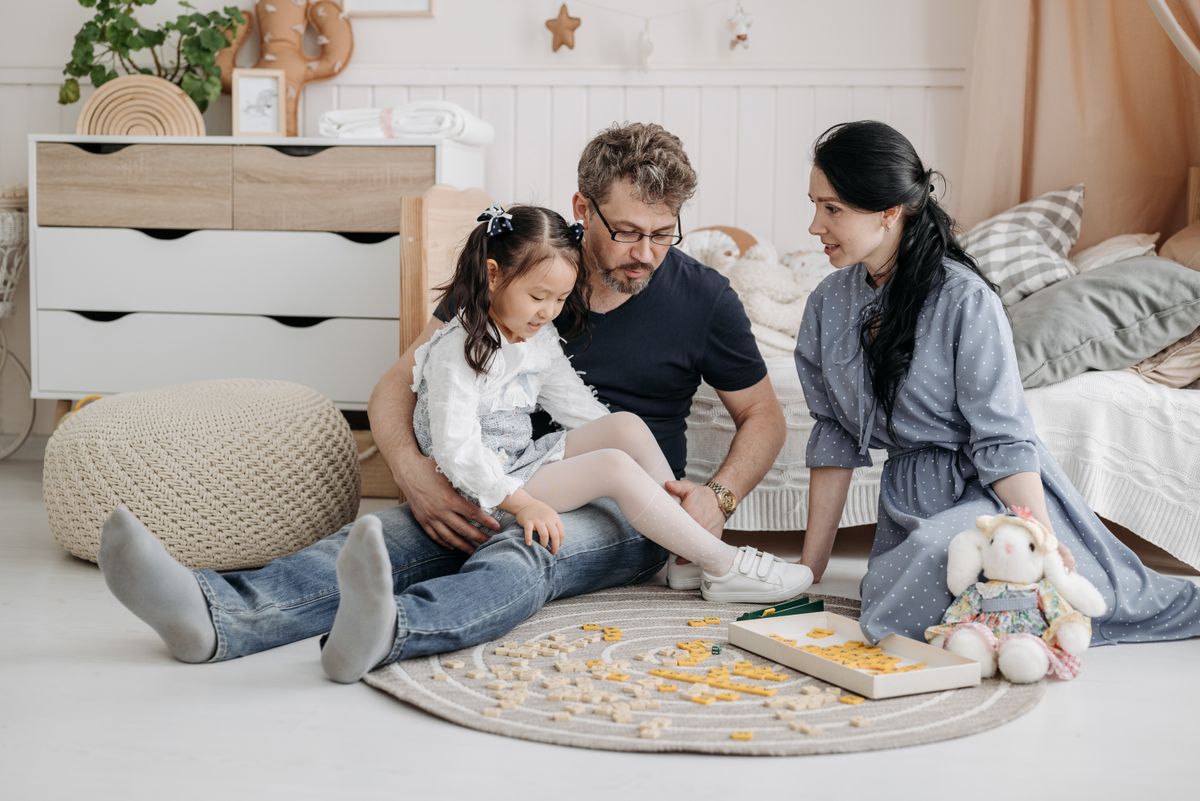
KidWise believes that children, parents, caregivers, educators, and
family members should be able to explore our learning and family
products with dignity, clarity, and independence. We are committed to
improving the accessibility and usability of our digital experience
for people with a wide range of abilities, technologies, and browsing
preferences.
Accessibility is an ongoing responsibility.
We regularly review the experience, respond to feedback, and work
toward practical improvements across navigation, content, imagery,
forms, product information, and support.
Learning should feel open to every family
Designed around family participationClear information and thoughtful digital experiences support confident choices.Inclusive Access
01 · Our accessibility charter
A More Welcoming Experience
Our goal is to reduce unnecessary barriers and create a digital
environment that supports different ways of seeing, hearing, moving,
reading, understanding, navigating, and interacting.
Core commitment
Access that supports real family needs
KidWise serves families shopping for flash cards, reading books,
math toys, art supplies, building blocks, kids alarm clocks, kids
tableware, emotion cards, and family games. Our accessibility work
is intended to make those products and their supporting information
easier to discover, understand, compare, and purchase.
Provide clear headings, logical reading order, and meaningful page structure.
Maintain readable contrast, visible controls, and understandable interaction states.
Support keyboard access and common assistive technology workflows.
Use descriptive alternatives for meaningful images whenever practical.
Respond respectfully when a customer reports a barrier or requests assistance.
Readable content
Clear Information
We work to present product descriptions, policies, instructions,
buttons, notices, and support information in clear language with
meaningful visual hierarchy.
Structured navigation
Predictable Pages
Consistent labels, headings, landmarks, and control behavior help
visitors understand where they are and how to continue.
Flexible interaction
Multiple Pathways
We aim to support keyboard navigation, visible focus indicators,
direct links, clear forms, and multiple ways to reach important
information.
Human support
Respectful Assistance
When the website does not meet a visitor’s needs, our support team
can help with product information, order questions, and accessible
communication alternatives when available.
02 · Technical direction
Standards We Follow
KidWise uses the Web Content Accessibility Guidelines as an important
reference for evaluating digital accessibility. Our ongoing direction
is to support the principles of content being
perceivable, operable, understandable, and robust.
We seek to improve alignment with generally recognized accessibility
practices, including WCAG 2.1 Level AA considerations, while
acknowledging that accessibility can involve complex technology,
third-party services, content updates, and individual user needs.
Practical improvement over static claims
Accessibility is evaluated through design review, content review,
testing, customer feedback, and corrective updates rather than
treated as a one-time project.
Principle 01
Perceivable
Information should be presented in ways that visitors can perceive,
including readable text, meaningful image descriptions, contrast,
labels, and adaptable layouts.
Principle 02
Operable
Navigation and controls should support keyboard use, visible focus,
reasonable target sizes, understandable timing, and interaction
without unnecessary precision.
Principle 03
Understandable
Content, labels, error messages, instructions, and page behavior
should be clear, consistent, and predictable for customers and
caregivers.
Principle 04
Robust
Pages should use meaningful structure and standards-aware markup
that can work with current browsers, devices, and commonly used
assistive technologies.
03 · User experience priorities
What We Work to Support
Accessibility is reflected in many small decisions. These priorities
guide how we review the experience across desktop computers, tablets,
mobile devices, browsers, and assistive technologies.
Readable Presentation
We aim for clear typography, sufficient spacing, understandable
hierarchy, descriptive headings, and layouts that adapt without
hiding essential content.
Content clarity
Responsive Layouts
Pages are designed to adjust across common screen sizes and
orientations so that text, imagery, controls, and product details
remain usable.
Device flexibility
Visible Controls
Buttons and links should use visible text, clear contrast, descriptive
labels, and interaction states that remain understandable without
relying only on color.
Control visibility
Reduced Motion
Decorative movement is kept restrained, and supported experiences
respect reduced-motion preferences so essential information does not
depend on animation.
Motion awareness
Shared learning should feel approachableOur digital experience is intended to support families, caregivers, and educators.Family Centered
04 · Assistive technology
Tools and Preferences
We work to support customers who browse using
screen readers, keyboard controls, zoom features, voice tools,
mobile accessibility settings, and other assistive technologies.
Compatibility can vary by device, browser, operating system, software
version, and third-party integration.
Keyboard navigation
Interactive elements should be reachable in a logical sequence,
with visible focus indicators and usable controls.
Screen reader structure
Meaningful headings, landmarks, labels, alternative text, and
semantic page structure are used where practical.
Text enlargement
Responsive layouts are intended to remain readable when browser
zoom or device text settings are increased.
Color and contrast
Important information and controls should remain understandable
without depending exclusively on color differences.
05 · Accessibility support
Tell Us About a Barrier
We welcome accessibility feedback. When reporting an issue, please
describe the page, feature, product, or task involved and explain
what happened. Helpful details allow us to investigate more
effectively.
You may also request reasonable assistance accessing product
information, understanding a policy, or completing a store-related
task. We will make a good-faith effort to provide an appropriate
alternative when available.
Customer support emailsupport@kidwise.lol
Customer support phone+1 (316) 315-6868
Business address1374 Northridge Parkway
LocationOlathe, KS 66061, United States
Helpful Report Details
A complete description can help us reproduce the issue and identify
the most appropriate response.
01
The page or feature
Identify the product page, policy page, form, menu, checkout
step, or other area where the barrier occurred.
02
The task you were completing
Explain whether you were reading product information, adding
an item, entering an address, reviewing a policy, or completing
another action.
03
Your device and browser
Include the device type, browser, operating system, and software
version when known.
04
Assistive technology used
Mention any screen reader, voice tool, keyboard method, zoom
setting, switch control, or accessibility preference involved.
05
The result you expected
Describe what you expected to happen and what occurred instead,
including any error message or missing information.
Accessibility assistance is availableUse the support page to describe the barrier or request an alternative way to access information.
Review Common Questions
06 · Known limitations
Areas That May Vary
We aim to provide a consistent experience, but some content and
functionality may be affected by third-party systems, older materials,
external services, or technical conditions beyond a single page.
Third-Party Applications
Payment services, review tools, shipping tools, embedded widgets,
and other third-party features may have accessibility behavior
controlled by their providers.
Supplier Media
Some product images, videos, diagrams, or documents may originate
from suppliers. We work to improve descriptions and presentation
when limitations are identified.
Document Formats
Certain downloadable files or historical materials may not provide
the same level of accessibility as current web content. Assistance
may be requested when needed.
Browser Differences
Accessibility support can vary between browsers, operating systems,
devices, extensions, and assistive technology versions.
Checkout Services
Some checkout and payment experiences rely on platform-level
services. We monitor reported issues and provide support when an
alternative route is reasonably available.
Individual Needs
No single digital configuration serves every person in the same
way. Feedback from customers helps us understand barriers that may
not appear during routine review.
07 · Continuous improvement
How Accessibility Evolves
Our accessibility process is ongoing. We combine design standards,
technical review, content maintenance, customer feedback, and practical
remediation to strengthen the experience over time.
Step one
Design Review
New pages and visual components are reviewed for hierarchy, contrast,
control visibility, responsive behavior, motion, and understandable
interaction.
Before launchStep two
Content Review
Product descriptions, headings, labels, policies, alternative text,
buttons, and support information are reviewed for clarity and
meaningful structure.
During updatesStep three
Issue Response
Reported barriers are examined using the available page, browser,
device, technology, and task details provided by the customer.
When reportedStep four
Practical Remediation
We prioritize corrections based on customer impact, technical
feasibility, severity, frequency, and the importance of the affected
shopping or support task.
Ongoing work
08 · Helpful answers
Accessibility Questions
All answers are collapsed by default. Open only the question that is
relevant to your experience.
What is KidWise working toward?
KidWise is working toward a more accessible digital experience
informed by recognized accessibility principles and WCAG 2.1 Level
AA considerations. This includes ongoing attention to structure,
keyboard access, focus visibility, contrast, readable content,
responsive design, labels, forms, and image descriptions.
Can I use the website with a keyboard?
We aim to make key navigation, controls, links, forms, and
interactive elements usable through standard keyboard commands.
Visible focus indicators are intended to help show which element
is currently active.
Some third-party tools may behave differently. Please report any
keyboard trap, missing focus, unreachable control, or unexpected
navigation order.
Does KidWise support screen readers?
We work to use meaningful headings, landmarks, labels, alternative
text, button names, and semantic structure that can support screen
reader navigation. Compatibility can vary depending on the device,
browser, screen reader, version, and third-party content.
Can I enlarge text or zoom the page?
The site is intended to use responsive layouts that adapt when
browser zoom or device text settings are increased. Essential text
and controls should remain visible and usable without unnecessary
horizontal scrolling at common zoom levels.
How do I report an accessibility problem?
Use the KidWise support page and identify the affected page,
feature, task, device, browser, operating system, and assistive
technology when known. Explain what you expected and what occurred
instead.
Can I request product information in another format?
You may request reasonable assistance understanding product
descriptions, instructions, policies, specifications, or order
information. Available alternatives depend on the content and the
information provided by the product supplier.
What details should I include in my request?
Include the page or product name, the action you were attempting,
your device and browser, any assistive technology used, the exact
problem, and the result you expected. Screenshots are helpful when
they are available and safe to share.
Are third-party services covered by this statement?
This statement describes the accessibility direction of the
KidWise digital experience. Some payment, shipping, review, video,
communication, or embedded services are operated by third parties
that control their own accessibility practices and technology.
Does accessibility work ever finish?
Accessibility is an ongoing process because websites, products,
browsers, assistive technologies, third-party tools, and customer
needs continue to change. KidWise treats accessibility as a
continuing part of design, maintenance, and customer support.
What happens after I report a barrier?
The information will be reviewed to understand the affected task,
reproduce the issue when possible, identify available assistance,
and determine whether a design, content, or technical correction
is appropriate.
Need Accessibility Assistance?
Tell us what you were trying to do, where the barrier occurred, and
what technology you were using. KidWise will make a good-faith effort
to understand the issue, provide reasonable assistance, and identify
an appropriate next step.
Join the KidWise email list for an automatic 15% discount across the store, thoughtful family inspiration, and selected member offers. No code or first-order restriction.
Choosing a selection results in a full page refresh.